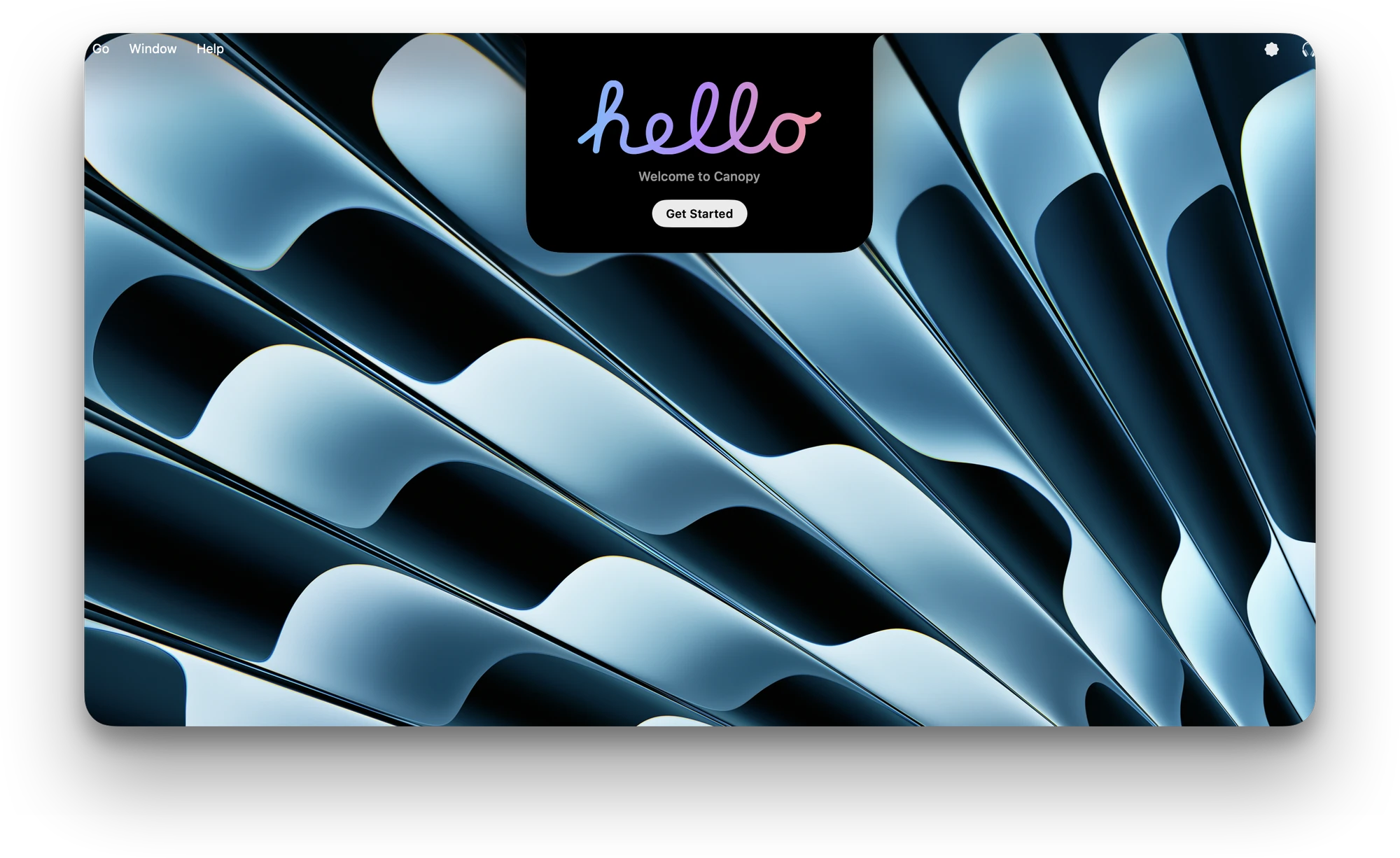
Say hello. Set up in a minute. Canopy walks you through it, then gets out of the way.
 Canopyv1.2
Your notch has been dead space since 2021.
Now it’s your music, your lyrics, your AirPods.


Apple silicon and Intel. Runs natively on both.
Notch or notchless. No notch? Canopy builds its own island at the top of your screen.
Pay once. Yours for life. A lifetime license for up to 3 Macs. No subscription.
Lightning fast. Opens in an instant, with fluid animations that never stutter.
Say hello. Set up in a minute. Canopy walks you through it, then gets out of the way.
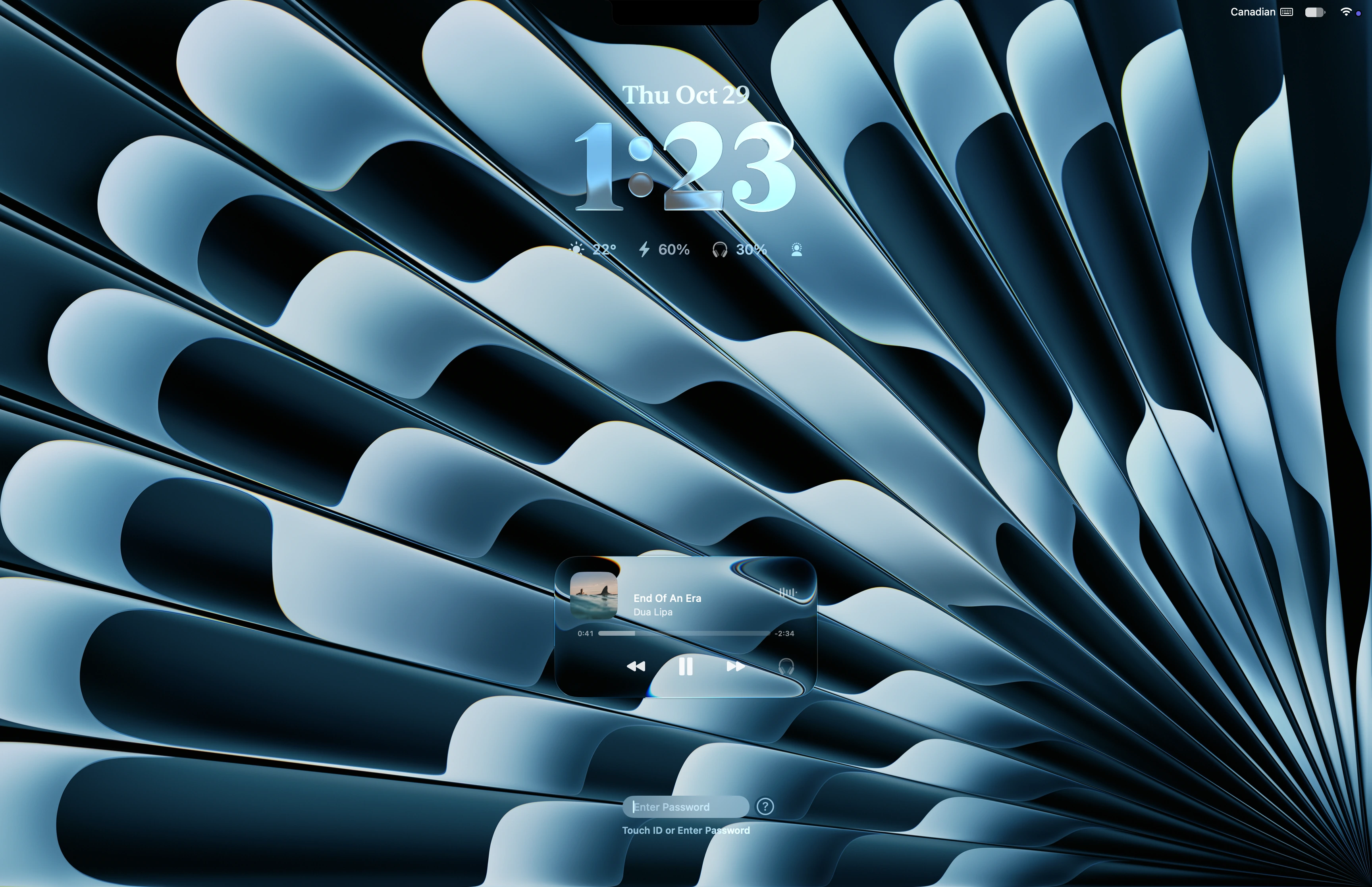
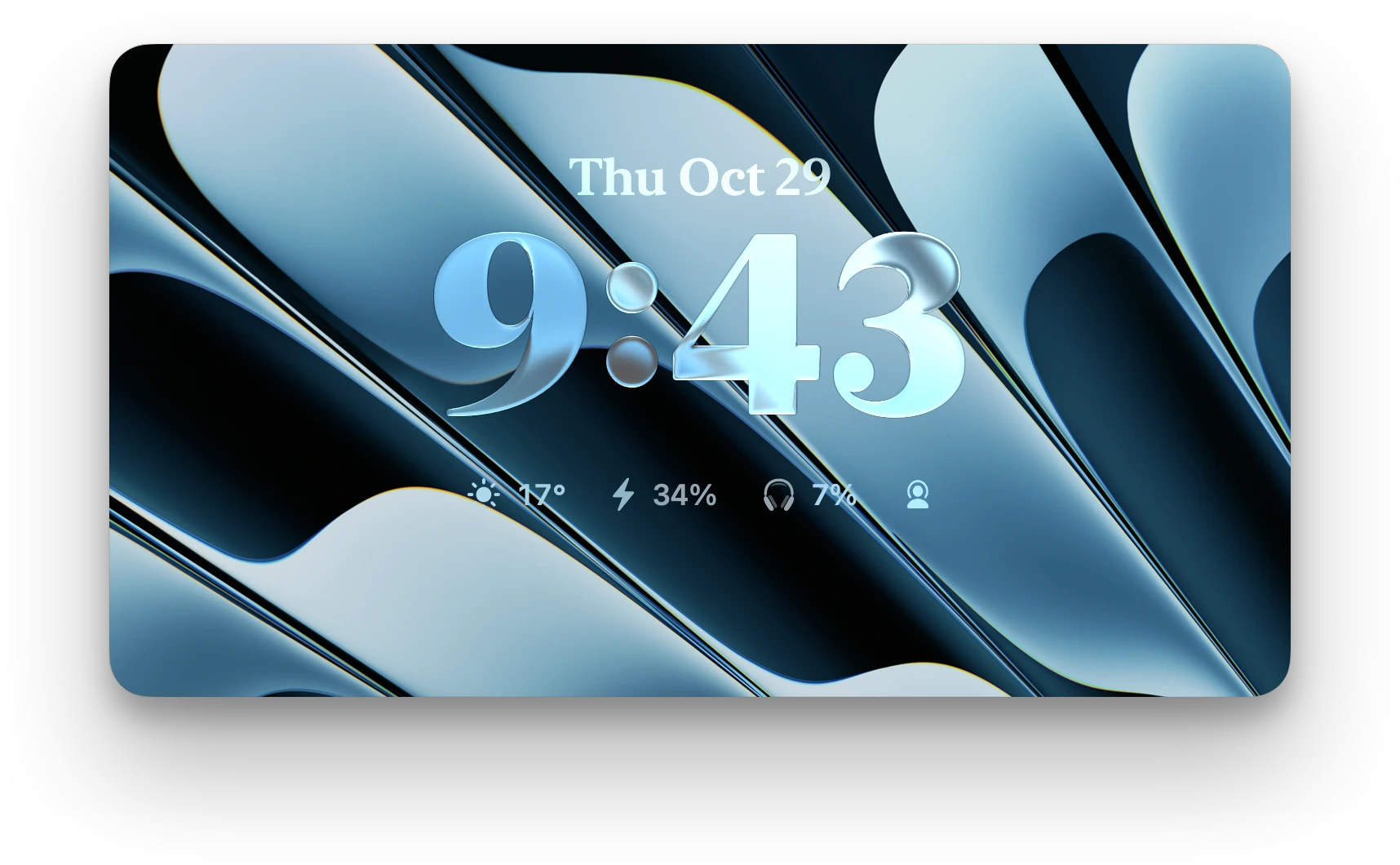
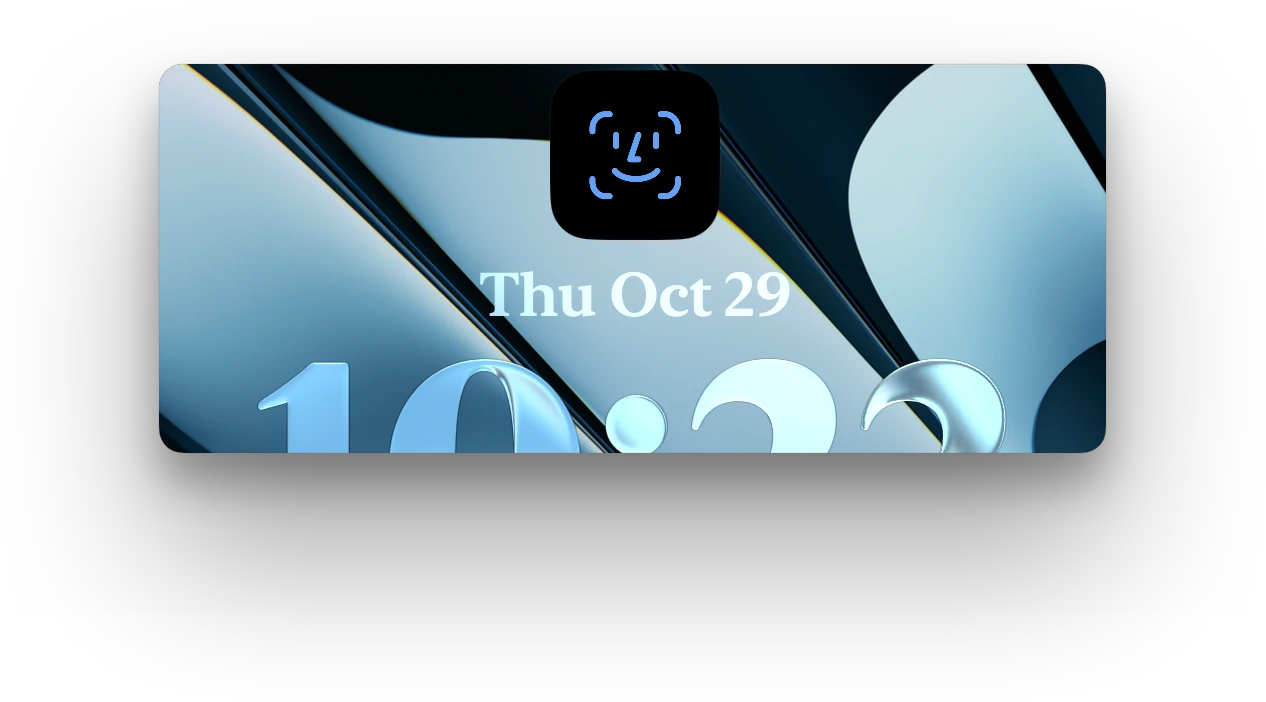
We do lockscreen. The best. Your music, a clock in Liquid Glass and everything you check all day, before you’ve even signed in.
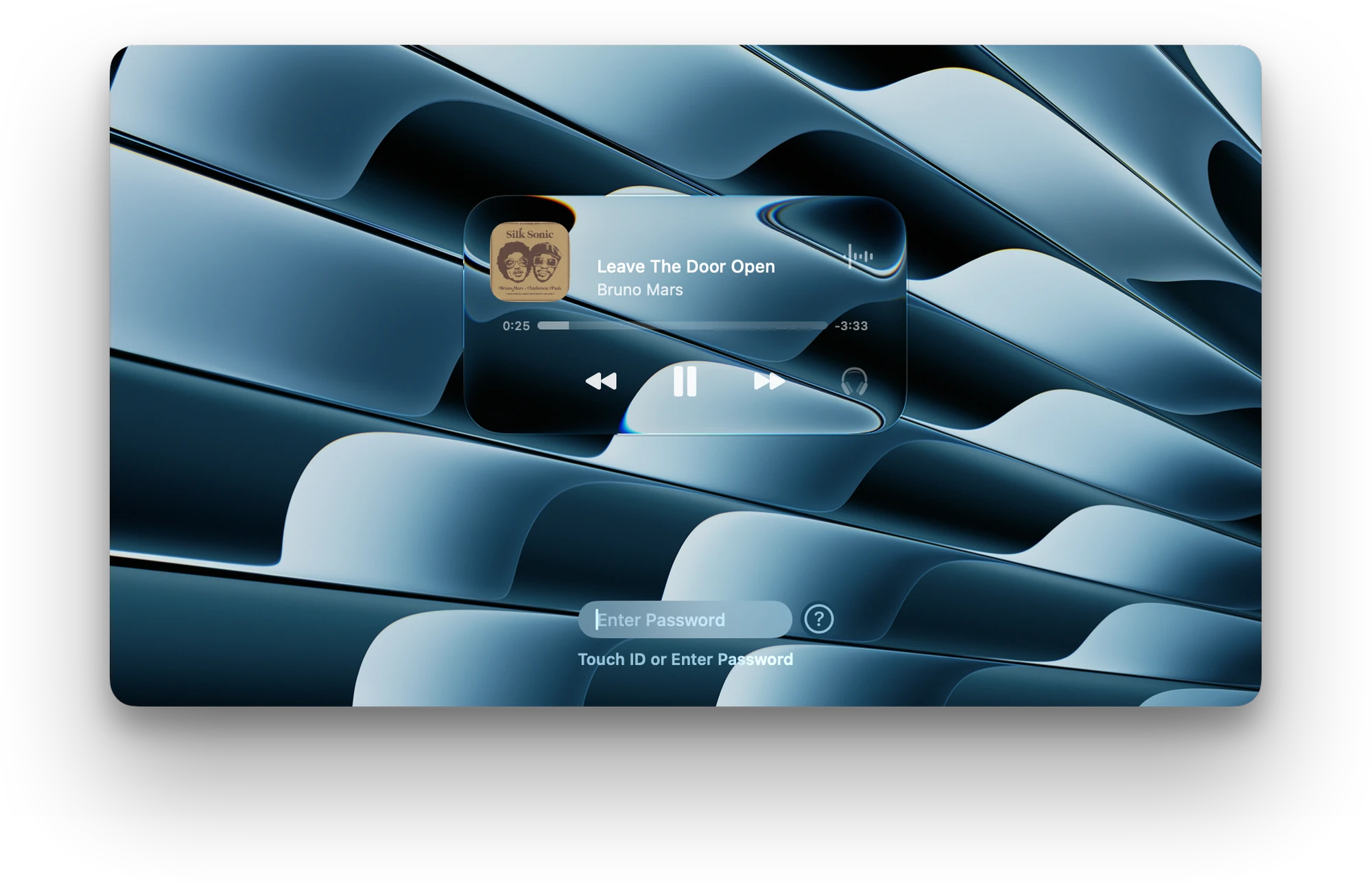
The art, full screen. Album artwork grows to fill your lock screen while the lyrics light up word by word.
Liquid Glass. Our hand-crafted custom glass, inspired by Alcove. Clear and clean.
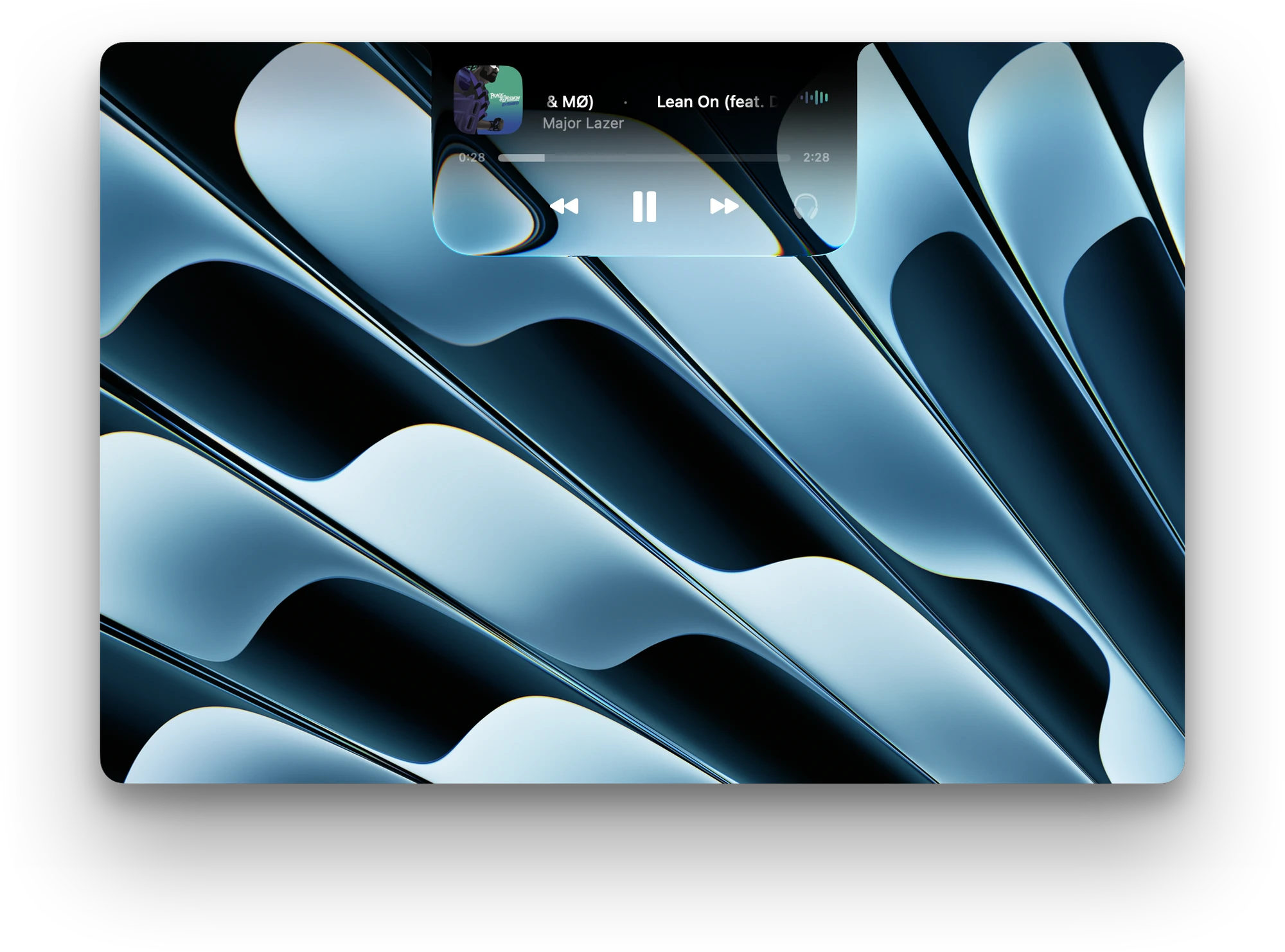
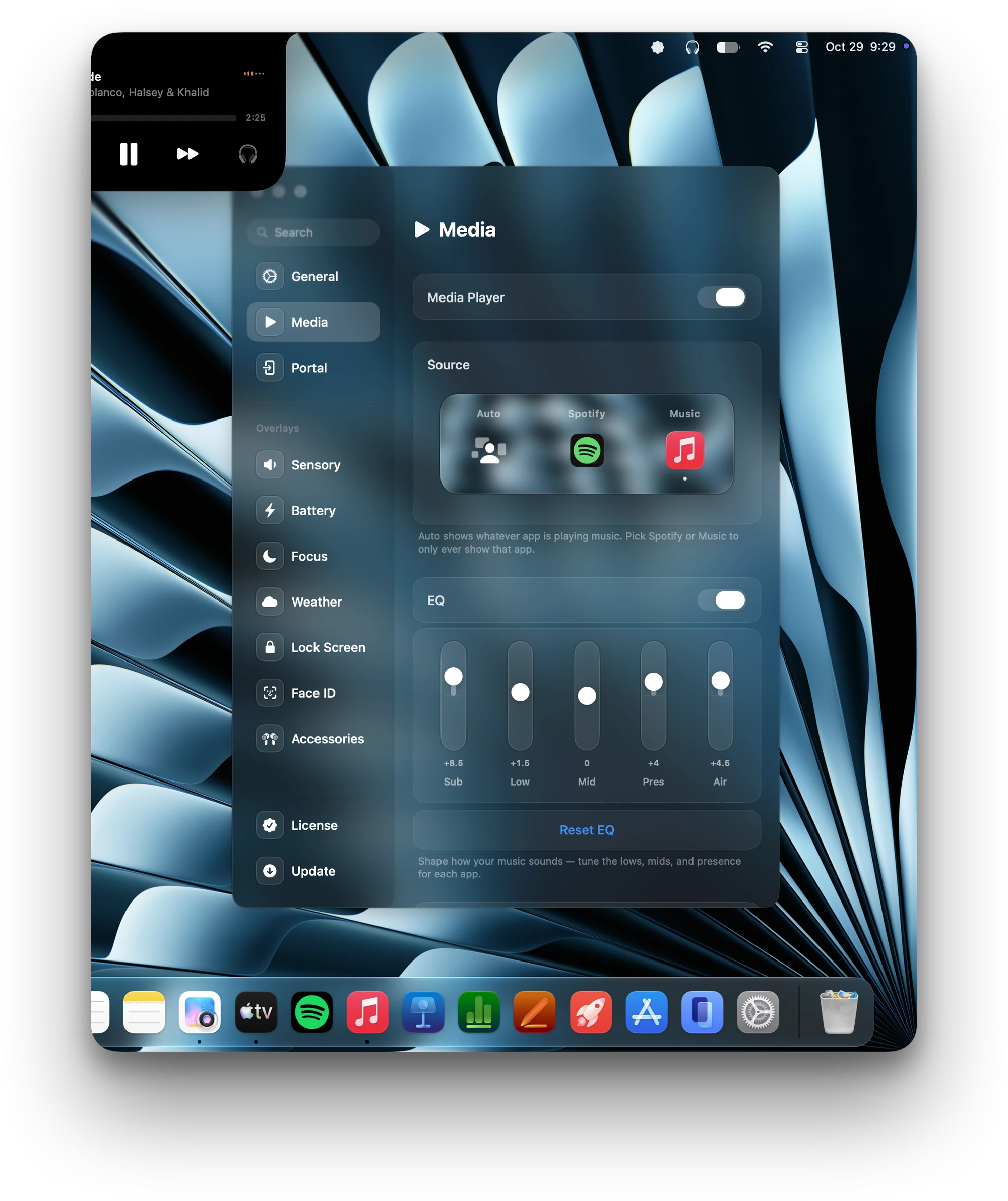
An EQ for every app. Tune Spotify, Music and everything else on its own, right from Settings.
Face ID, on your Mac. Look at your screen to get in. No typing, no reaching for Touch ID.
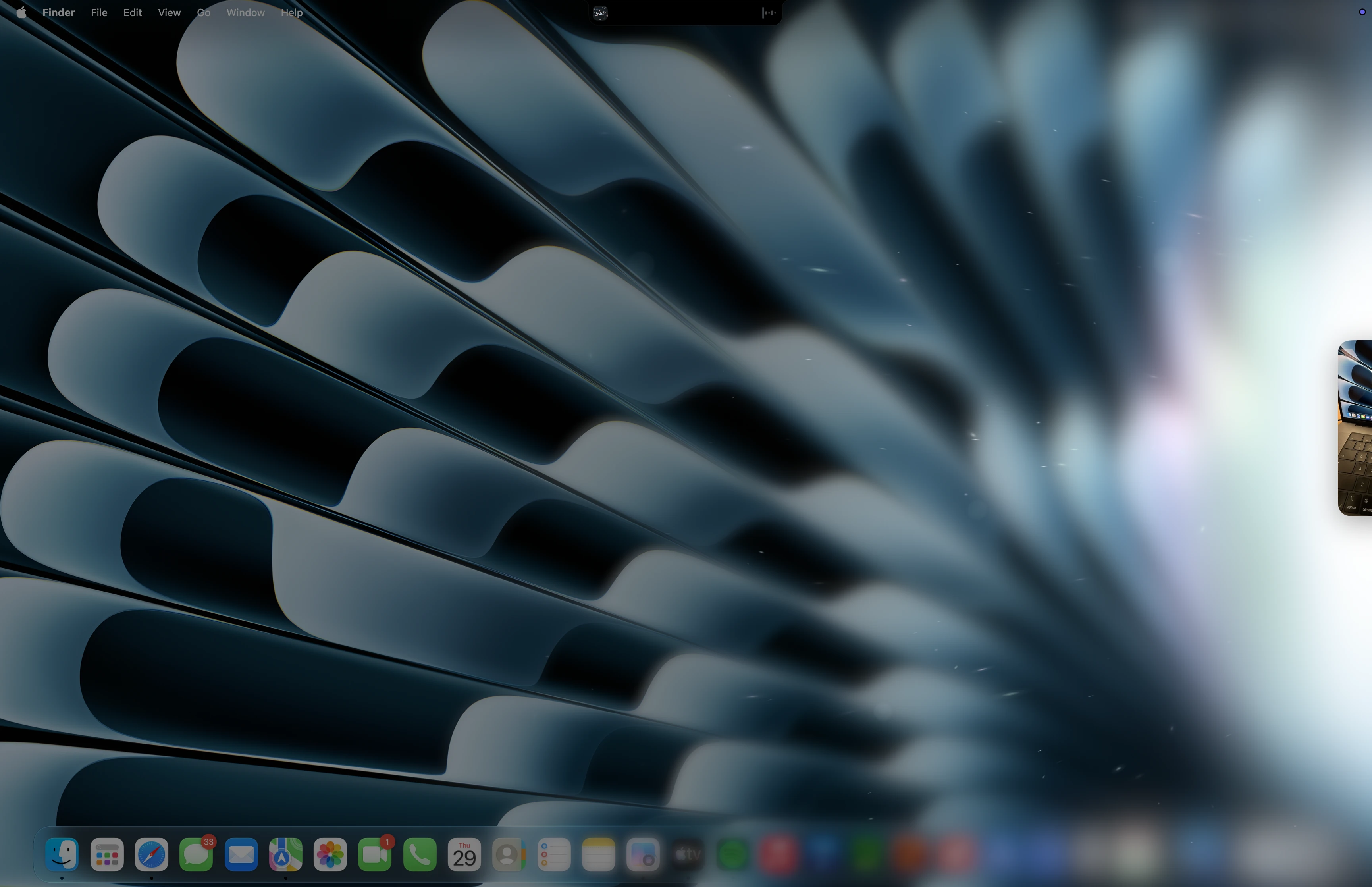
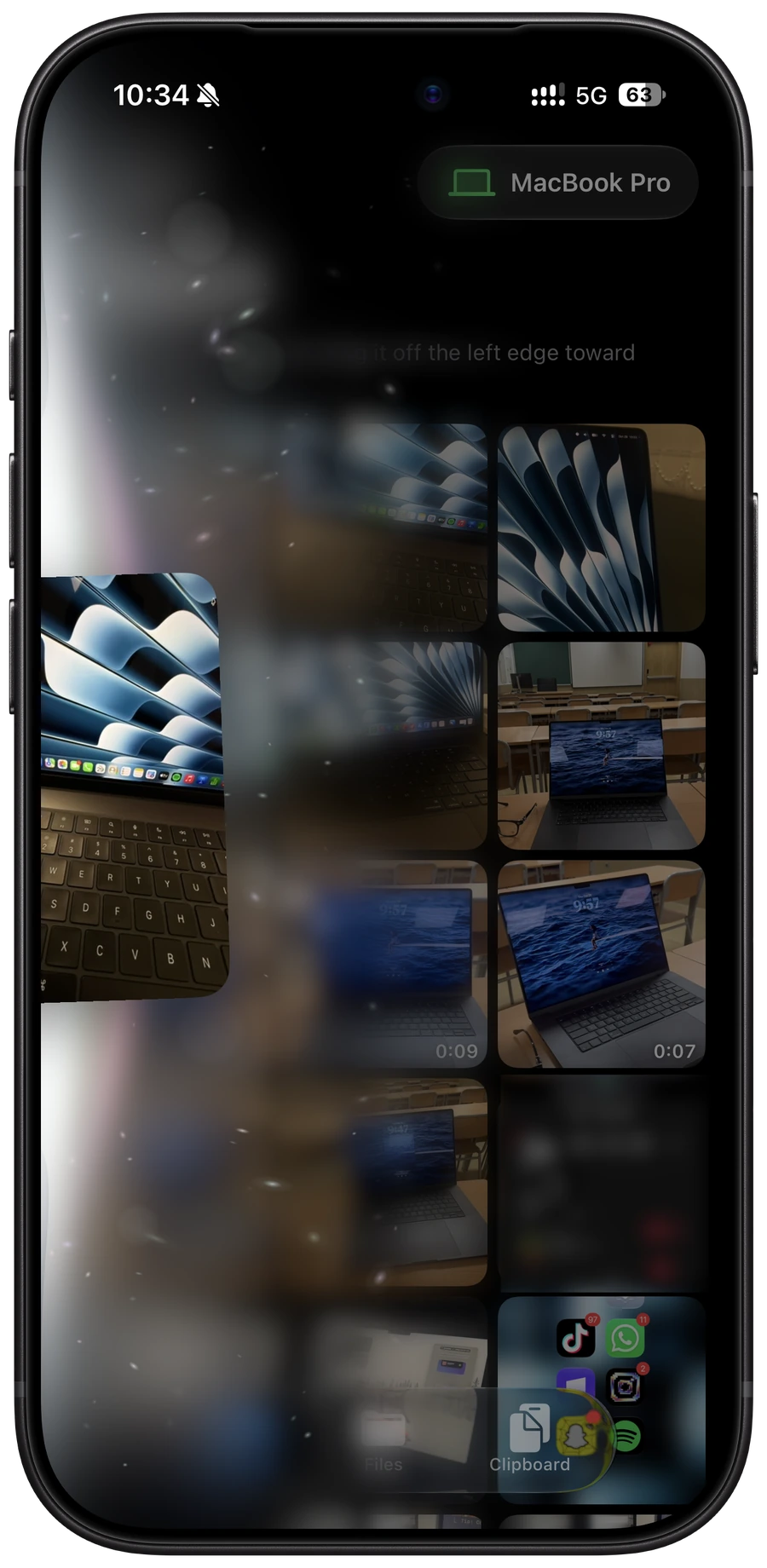
Pick a photo, a video or a file in the Canopy app on your iPhone and flick it off the left edge. It flies across and lands on your Mac’s screen, right where you’re looking. Your clipboard comes along too. No cables, no AirDrop menu, and you choose the transition it makes on the way over.
Photos and videos. Straight from your library, full quality.
Files. Anything in the Files app, any size.
Your clipboard. Copy on your iPhone, paste on your Mac.
Customize the animation. Style how it lands on your Mac: Rainbow, Paper Plane, Volcano and more.
Nothing about your face leaves your Mac.
Recognition runs entirely on your Mac. No servers, no uploads and no account to sign in to.
Only a map of your face is saved.
Your face is turned into an embedding: a set of numbers that can’t be turned back into a picture. The camera frames themselves are thrown away.
Stored where macOS keeps your passwords.
That map lives in your Mac’s Keychain, encrypted by macOS itself, so no other app can read it.
A photo of you won’t get in.
Before it unlocks, Face ID checks that it’s looking at a real, present face, not a photo or a screen held up to the camera.
Walk away and it locks itself.
After the idle time you choose, Canopy locks again and asks for Touch ID or your password before Face ID works again.
Retrain or delete it any time.
Set Face ID up again whenever you like, or delete your face data completely from Settings in one click.
Built with Glance, the Face ID app for Mac.
Macs don’t have iPhone’s depth camera. For anything sensitive, Touch ID is still the safest way in.
Pay once, keep it. No subscription.
macOS 26 or later
A sincere thank you to Hendrik, who made Alcove, and to the developer behind Glance. So much of Canopy, from its design choices to the way it feels, started with what you built first. Thank you.


